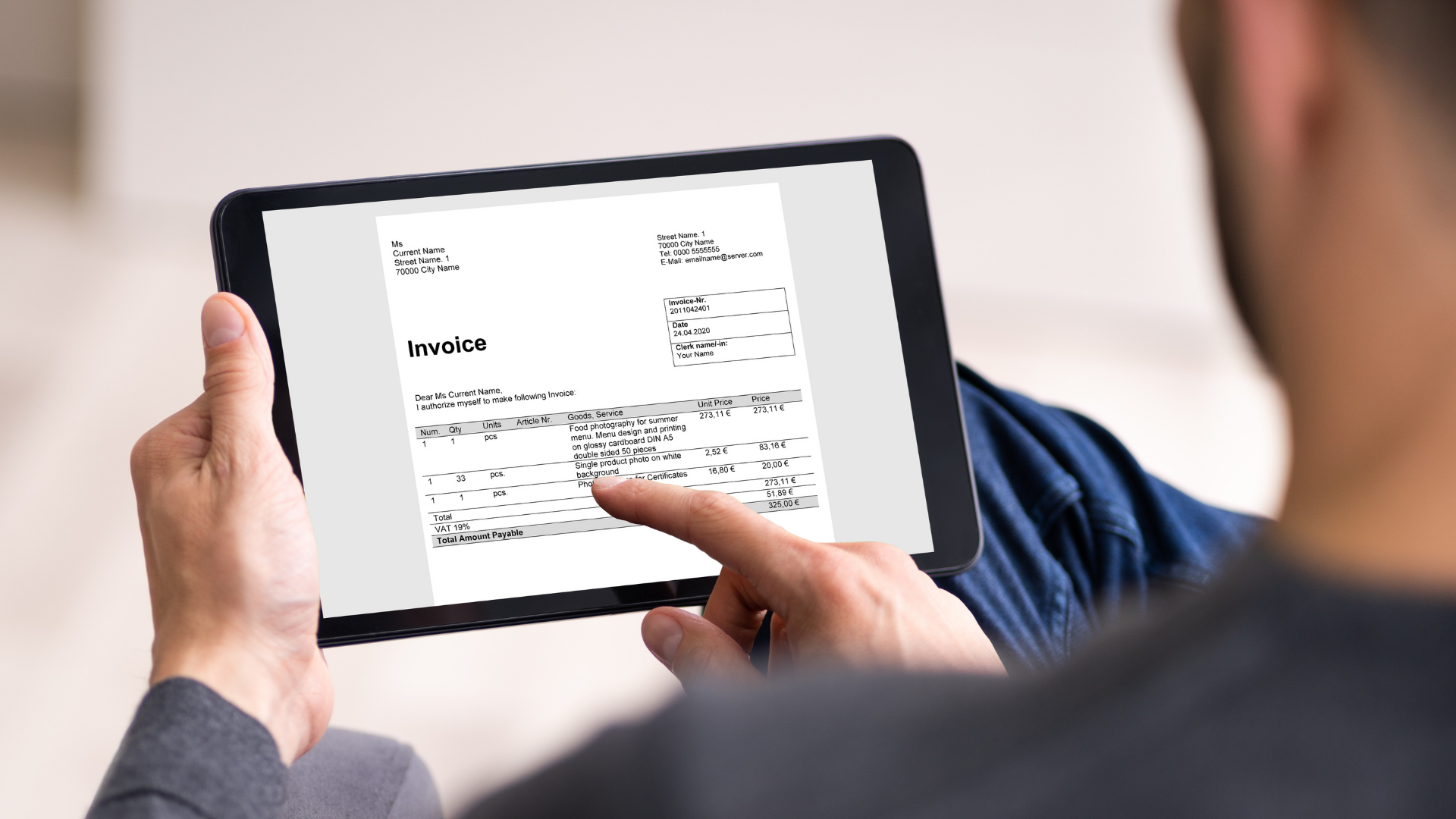
An error on an incoming invoice may not be obvious at first glance. Important information might be missing, the amount might be incorrect, the document might be received twice, or the details on the invoice might differ from what the company actually ordered.
If a problem is only discovered after posting, the accountant has to go back to a document that has already been processed, look up the context, and make corrections. That is why it is important to set up checks before the invoice enters your accounting or ERP system.
The check begins with data extraction
Data required for further processing, such as vendor identification, amount, due date, or account number, can be automatically extracted from an incoming invoice. The system then verifies their accuracy. If any data is missing or an inconsistency appears, it alerts the user. The check can also include duplicate detection to ensure the same document does not enter the process repeatedly.
Accountants no longer have to re-enter all data manually. Their primary task is to verify the results and handle cases that require review or additional information.
In practice, this means that data from an incoming invoice is first processed automatically, then verified by an accountant, and only then does the document proceed to approval and the accounting system. This reduces the number of errors caused by manual transcription while maintaining control over the accuracy of processed documents.
Correctly extracted data does not necessarily mean a correct invoice
An invoice may contain all the necessary information and still be incorrect from the company's perspective. A supplier might invoice a different amount, a different quantity, or an item that does not match the original purchase order.
This is exactly the kind of check that iNVOiCE FLOW, a tool from GRiT for automated incoming invoice processing, helps with. It does not just check the data extraction itself. Depending on the settings, it can compare the incoming invoice against a purchase order, contract, or approval process rules. The check can cover both the total amount and individual line items.
If the invoice meets the specified conditions, it proceeds to the next stage of the process. If the system detects a discrepancy, the document can be flagged for review before approval and posting.
This shifts the control to a point where errors can still be resolved without the need for subsequent accounting corrections.
Exceptions must be caught before entering the accounting system
Automated checking is not meant to replace the professional judgment of an accountant or approver. Its purpose is to separate standard documents from those that require attention.
In practice, the process can combine several control points. The system first verifies the data, followed by validation and approval according to the set workflow. Any document that does not meet the conditions can be returned for completion or further resolution. For every invoice, it remains traceable which steps it went through, who worked on it, and what changes were made. iNVOiCE FLOW thus creates an audit trail of the entire process in addition to the checks themselves.
Customer experience also highlights the importance of pre-posting verification. For example, at the accounting firm Meitnerová daně + účto errors used to occur primarily during the manual transcription of large volumes of documents. Today, the system extracts the data, and the accountant verifies it before it is transferred to the ERP. According to Hana Meitnerová, this has reduced the error rate by approximately 80%.
Catch discrepancies before posting
iNVOiCE FLOW helps set up the verification of incoming invoices, from data extraction through validation and approval to their transfer into your accounting or ERP system.
See how you can automate the processing and verification of incoming invoices in your company. Schedule a free consultation and demo.
Ready to end the chaos in your company?
During a free consultation, we will review your current setup and recommend the next steps based on what your company actually needs.